
Download Cannonball Catcher – Cannonball Game, Ball Catching Game, Fun Mobile Game
Overview
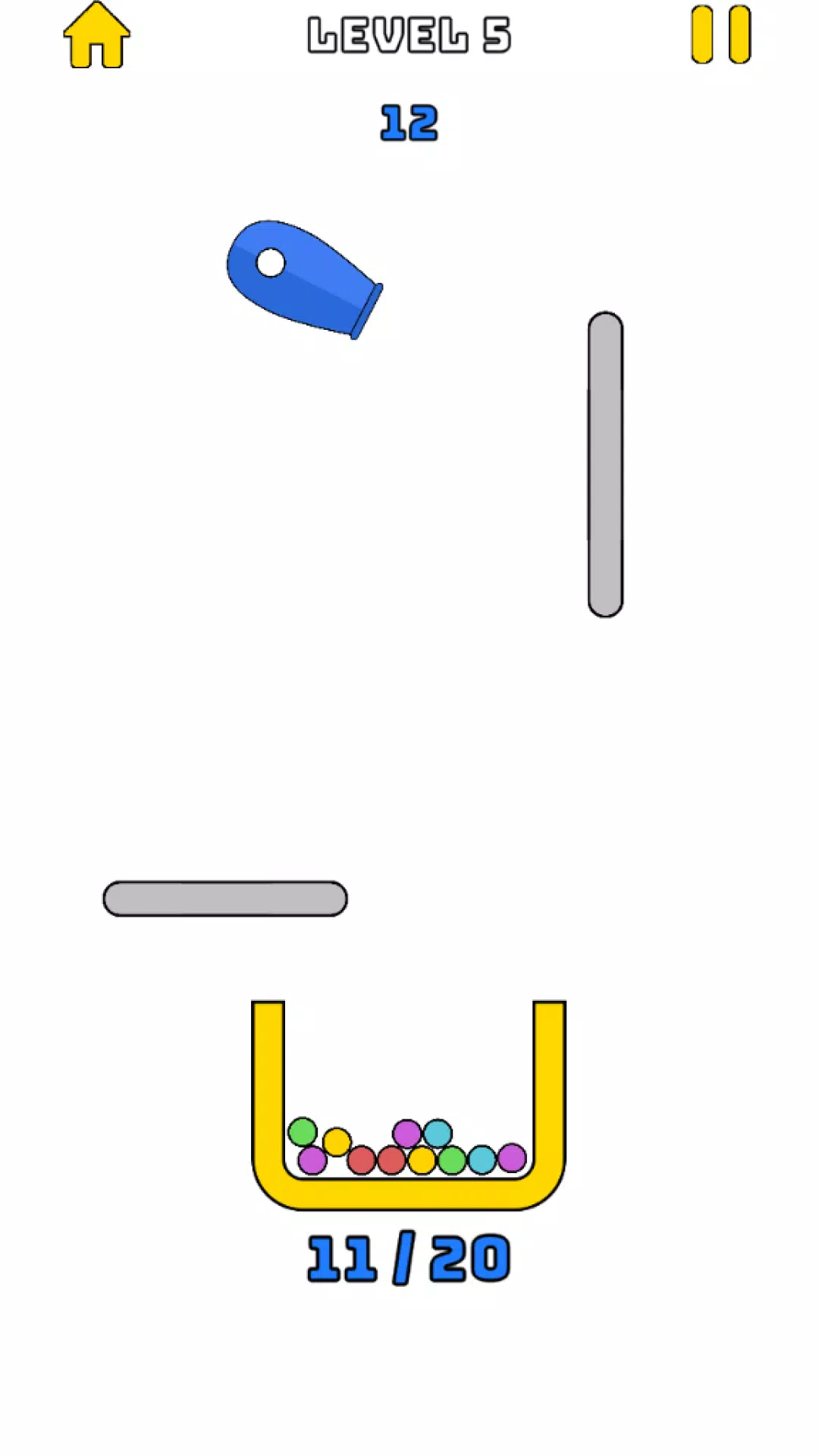
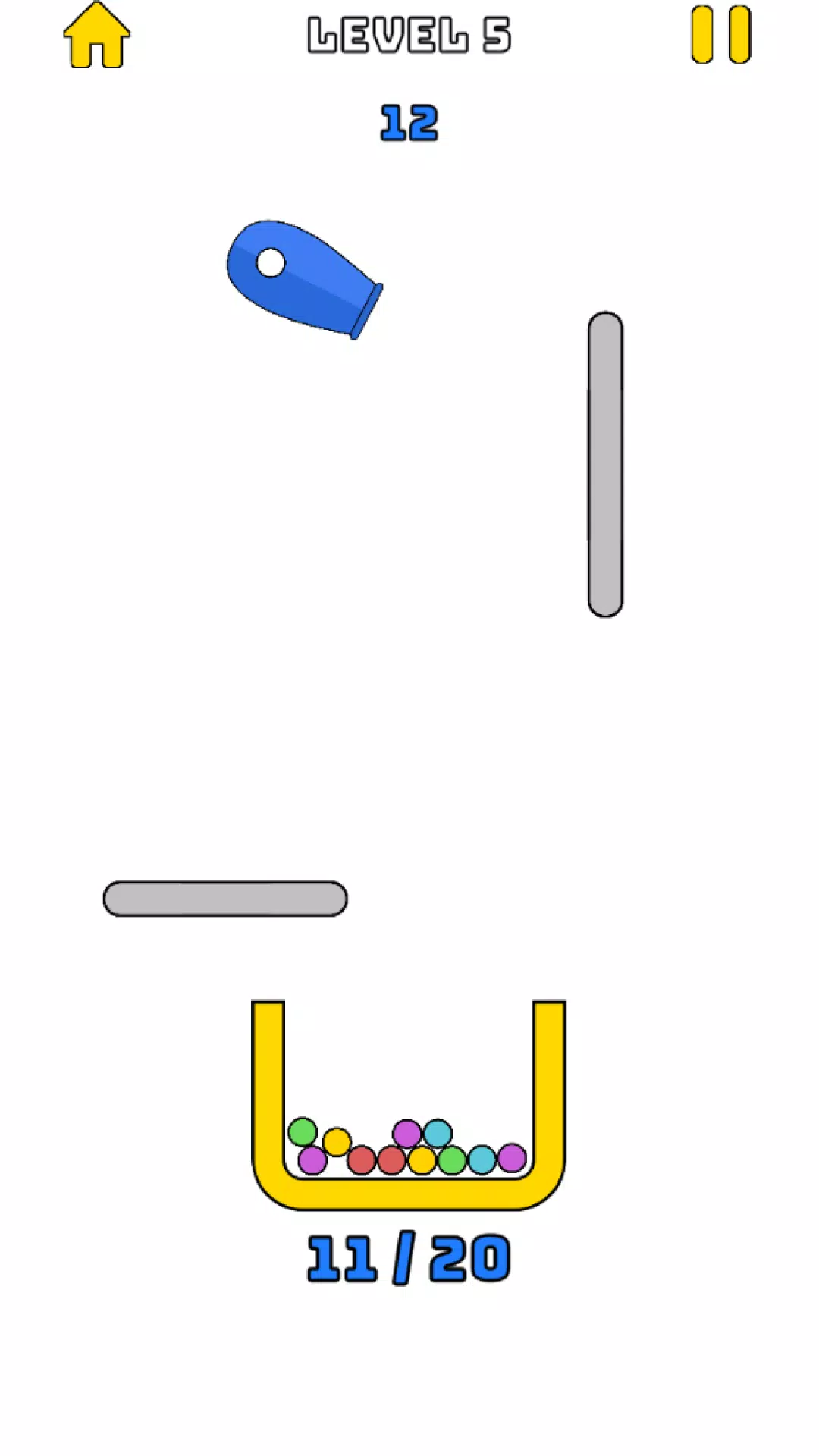
Cannonball Catcher is a minimalist arcade-style mobile game designed for quick, engaging sessions that fit seamlessly into any daily routine. The core gameplay revolves around maneuvering a yellow bucket to catch balls launched from blue cannons, blending reflexes with light strategy. Players are tasked with precise timing and spatial awareness, making it ideal for users seeking a low-commitment yet satisfying gaming experience. The game’s primary purpose is to deliver instant entertainment through simple mechanics, appealing to casual gamers, commuters, and anyone looking to unwind during short breaks.
It solves the common problem of finding a game that is easy to start but offers enough depth to remain engaging over time. Unlike complex titles requiring long learning curves, Cannonball Catcher enables immediate play with intuitive controls and a distraction-free interface. Its minimalistic design ensures that focus remains on the action, enhancing immersion without overwhelming the user. The target audience includes casual players of all ages, particularly those who enjoy reflex-based challenges with a calming visual aesthetic.
Developed by SoftPas, the app reflects a commitment to clean, efficient design and accessible gameplay. Although the developer did not provide additional technical details, the release date of August 5, 2024, indicates a recent entry into the mobile gaming space. The game fits well within the casual and arcade subcategories, contributing to the growing trend of lightweight, high-reward mobile experiences. Whether used during a lunch break or a late-night wind-down, Cannonball Catcher offers a consistent, enjoyable escape from digital fatigue.
Key Features & Functionality
- Intuitive Controls: Players use simple swipes left or right to position the yellow bucket, enabling rapid response to incoming balls. This control scheme reduces input lag and supports fluid gameplay, making it accessible even for new users.
- Multicolored Balls: Each ball comes in a distinct color, with different point values. Catching specific colors can unlock bonus points, encouraging strategic decisions during fast-paced sequences.
- Satisfying Sound Effects: Audio cues such as a crisp 'plink' sound upon successful catches enhance the sensory feedback loop, reinforcing player actions and increasing satisfaction with each successful play.
- Minimalistic Design: The clean interface removes visual clutter, allowing players to concentrate solely on the movement of the balls and the bucket. This design supports both short bursts and extended play sessions without fatigue.
- Flexible Play Sessions: The game adapts to various timeframes—whether a 30-second break or a 10-minute gaming session—making it highly versatile for on-the-go entertainment.
For example, a commuter might use the game during a train ride to pass time, relying on quick reflexes to catch balls as they fly across the screen. Similarly, a student taking a study break could enjoy a few rounds to reset focus. The strategic layer introduced by color-based scoring encourages repeated play, as players aim to improve their scores by prioritizing higher-value balls.
Interface, UX & Performance
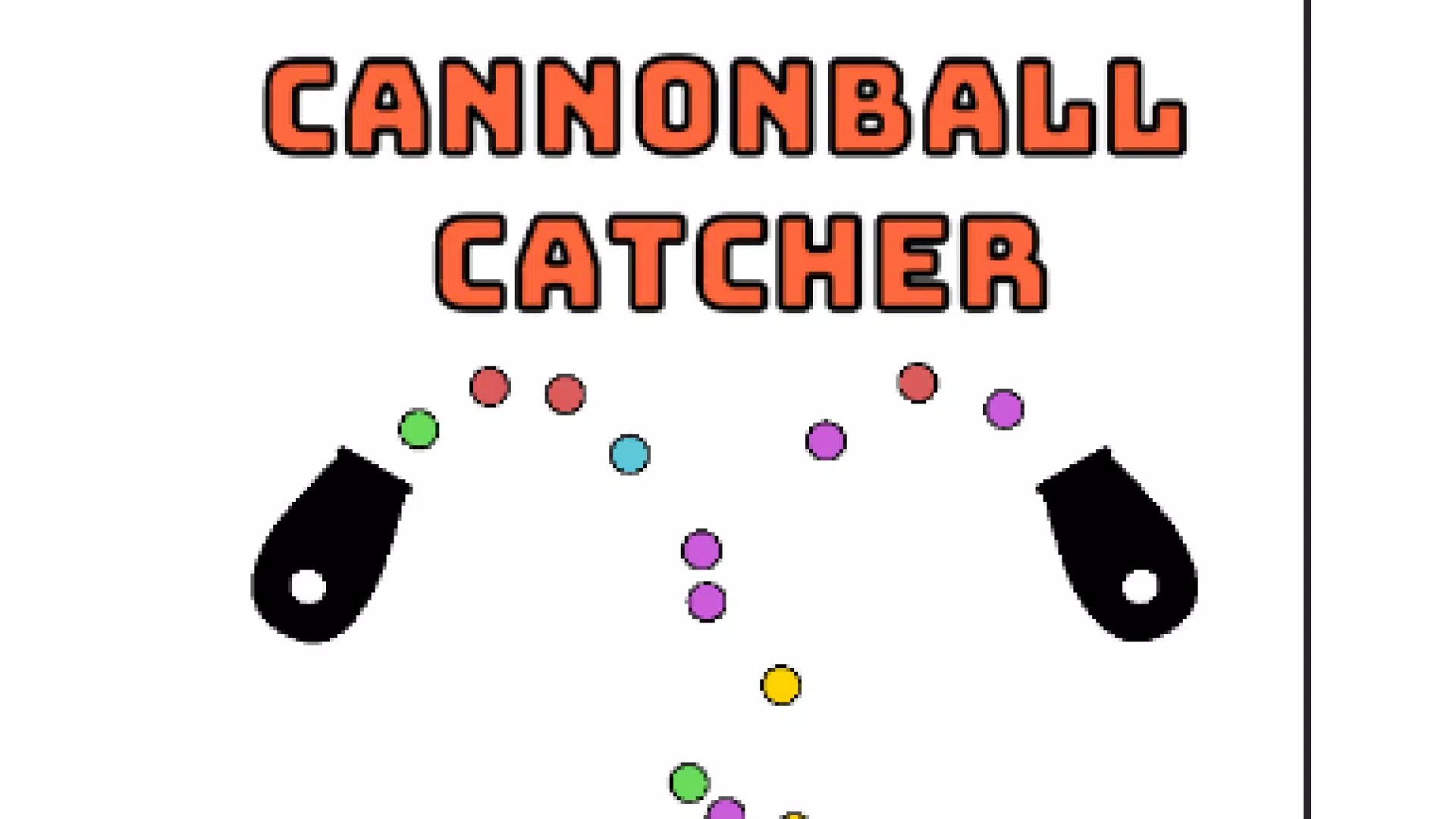
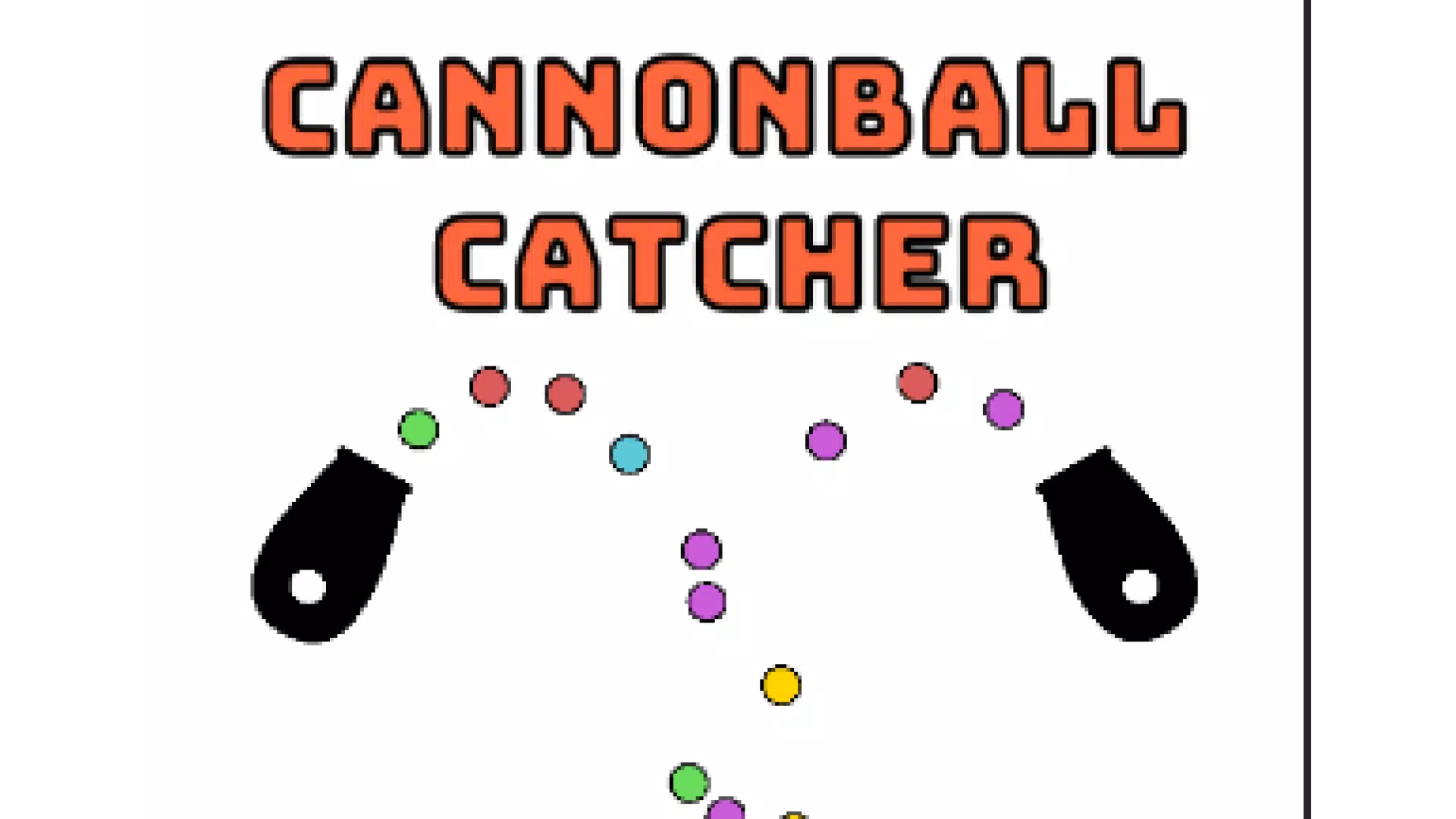
The user interface of Cannonball Catcher is built around simplicity and clarity. The screen features a clean background with only essential elements: the yellow bucket at the bottom, blue cannons at the top, and flying balls in vibrant colors. This minimalistic approach ensures that no visual elements distract from the core gameplay, promoting focus and reducing cognitive load.
Navigating the app is effortless. The primary interaction—swiping left or right—is immediate and responsive, requiring no tutorials or setup. The game’s layout remains consistent across screen orientations, supporting both portrait and landscape modes. Although the developer did not list formal performance metrics, the app’s lightweight size of 15.2 MB suggests optimized resource usage, which typically correlates with smooth performance on mid-to-high-end Android devices.
Responsiveness is a key strength. The game reacts instantly to user input, minimizing delays between swipe and bucket movement. Stability appears consistent, with no reported crashes or freezes in the available data. The game maintains steady frame rates during fast sequences, ensuring that the experience remains fluid even during intense moments. For users with older or lower-spec devices, performance may vary, but the app’s small footprint increases the likelihood of smooth operation.
Platform Compatibility & Technical Requirements
Cannonball Catcher is available exclusively on the Android platform. The current version is 1.0.1, released on August 5, 2024. The app’s file size is 15.2 MB, making it a lightweight download suitable for devices with limited storage space.
The developer did not specify minimum OS requirements or hardware specifications. As such, compatibility with specific Android versions or device categories cannot be confirmed. However, the app’s small size and simple design suggest broad compatibility across most modern Android devices. Users are advised to check their device’s system requirements before installation.
Pros and Cons
- Lightweight and fast to download (15.2 MB)
- Simple, intuitive controls suitable for all ages
- Minimalistic design reduces visual fatigue
- Perfect for short or extended play sessions
- Engaging sound effects enhance gameplay satisfaction
- Compatibility details not publicly disclosed
- No multiplayer or leaderboards mentioned
- Single-player only, limited replay value for some users
- Color-based scoring may not be clearly explained in-app
- Limited customization options for the bucket or background
FAQ
Is Cannonball Catcher free to download and play?
Yes, the app is available at no cost. There are no in-app purchases or advertisements mentioned in the provided information.
Can I install Cannonball Catcher on iOS devices?
Currently, the app is only available on Android. No information about an iOS version has been provided.
What is the file size of Cannonball Catcher?
The app has a file size of 15.2 MB, making it a lightweight download suitable for most mobile devices.
Does the game require an internet connection?
The app functions as a standalone game. No internet connection is needed for core gameplay, though updates may require connectivity.
How often is Cannonball Catcher updated?
The latest version, 1.0.1, was released on August 5, 2024. No information is available about the frequency of future updates.
Final Thoughts
Cannonball Catcher delivers a refined, focused gaming experience that excels in simplicity and accessibility. Its minimalist design, intuitive controls, and satisfying audio feedback make it a standout in the casual arcade genre. The game is ideal for users who value quick, rewarding gameplay without the complexity of modern mobile titles. Whether you're looking for a relaxing pastime during a break or a way to sharpen reflexes in a fun environment, this app fits the bill.
While it lacks advanced features like multiplayer or persistent progression, its core loop is tightly designed and highly effective. For fans of reflex-based games and those who appreciate clean, efficient app design, Cannonball Catcher offers a compelling reason to download a new mobile app. With its free price point and small footprint, it’s a low-risk, high-reward addition to any Android device.
Download Cannonball Catcher now


